
How to get a digital certificate, obtain a digital certificate, or set up your digital notary credentials (certificate, seal, and stamp) in one workflow.
Digital certificate
- Buy in minutes (except where state rules require an external provider).
- Issued after verified notary identity.
- Delivered as a standards-compliant .pfx built from commission details.
Flow: Buy → Issue → Preview → Validate
Florida RON application note
Florida notaries applying to become remote online notaries should submit the Remote Online Notary Public Application to the Florida Department of State.
When the application asks, "I will use the following RON Service Provider in compliance with Florida Law:", enter NotaryCentral.
Preview & validation
- Preview subject details before issuance.
- Validate anytime to confirm integrity.
- Fewer errors and re-issuance.
Official notary seal
- Auto-generated from your notary profile.
- State/region formatting.
- PNG download.
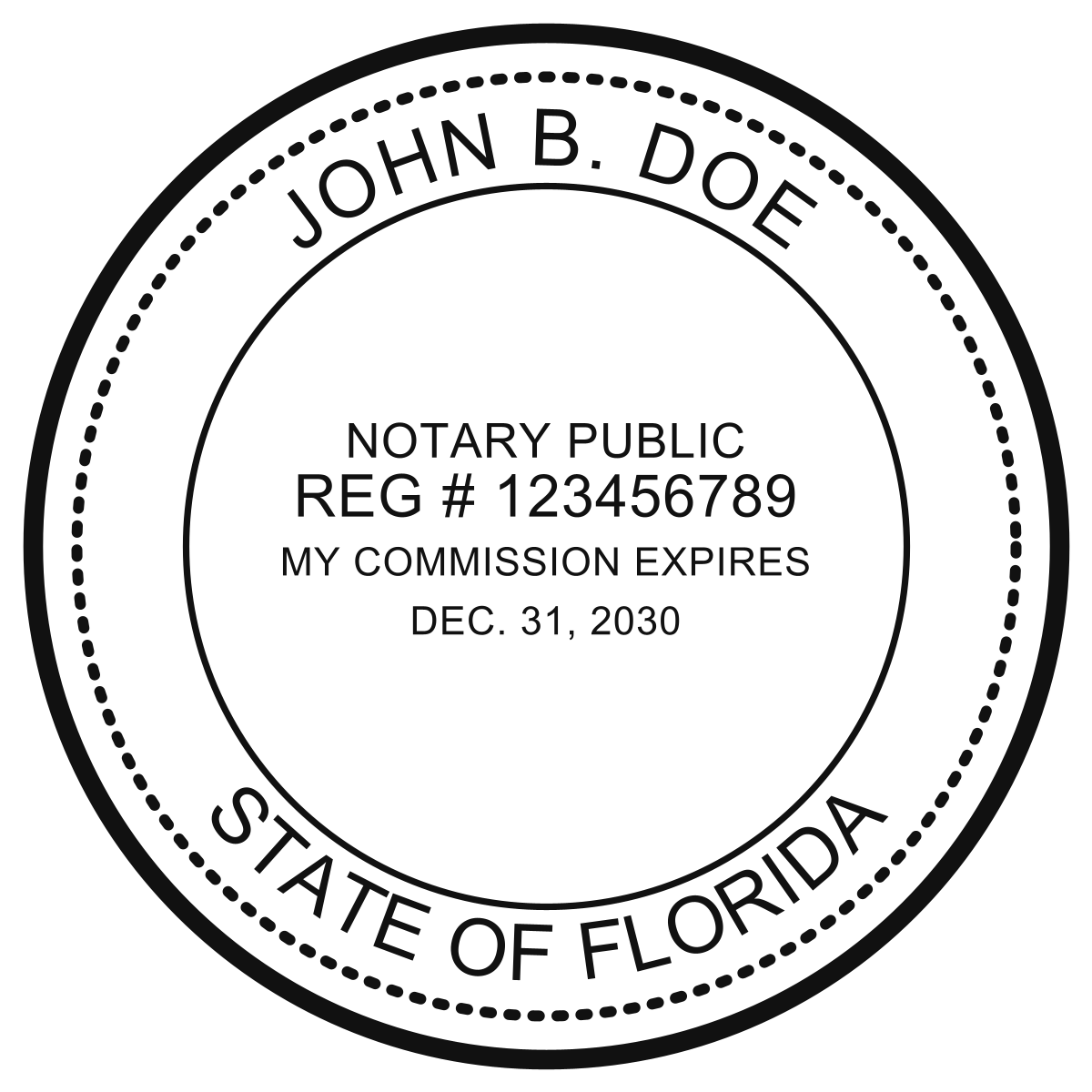
Official FL Electronic Notary Seal
Custom notary stamp
- Customize text.
- Clean PNG for digital documents.
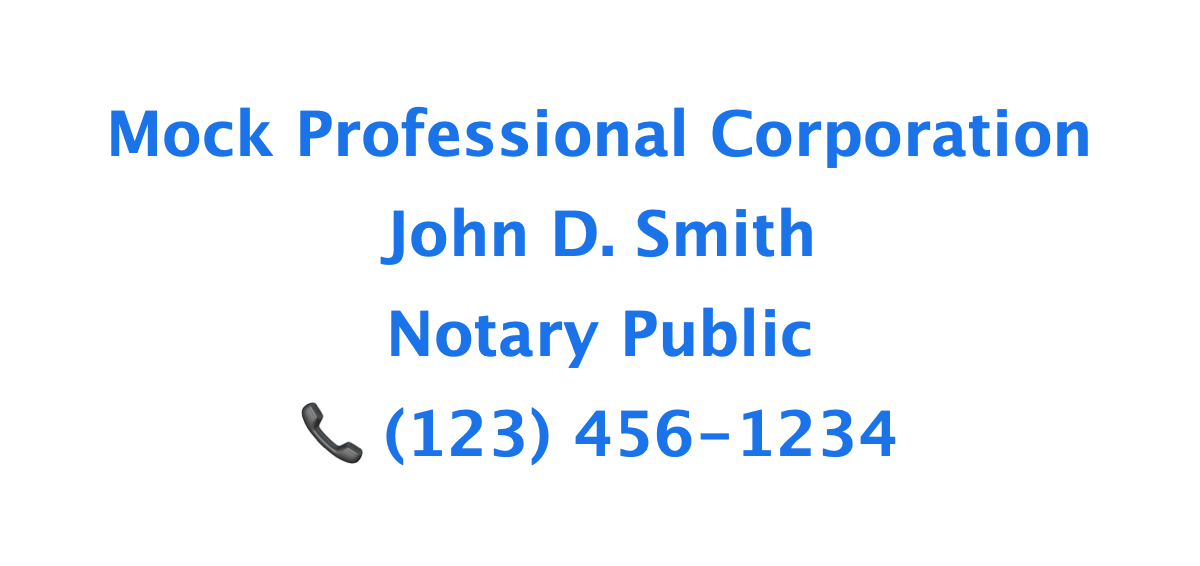
Digital Notary Stamp Example
In-workflow usage
- Apply stamps inside signing sessions.
- Saved with the signing room.
- No external tools or uploads.
The complete package
- Digital certificate (identity + security)
- Seal image (official authority)
- Stamp image (execution)
- In-workflow application (usage)
Get started
Quick link: Digital Notary Certificates, Seal & Stamp Overview (State specific pages: Virginia, New York)
To issue your digital certificate, seal, and stamp:
- Overview: Digital Notary Certificates, Seal & Stamp Overview
- Virginia: Digital Notary Certificates, Seal & Stamp for Virginia
- New York: Digital Notary Certificates, Seal & Stamp for New York
- Direct app setup: Digital Setup
To issue your digital certificate, seal, and stamp in one workflow:
- Visit Digital Notary Certificates, Seal & Stamp Overview or your state setup page (New York / Virginia).
- Log in to the app at app.notarycentral.org and go to Digital Setup.
- Go to Menu → Get New Notary Seal, Menu → Get New Notary Stamp, or Menu → Get New Digital Certificate.
Information to provide to the SOS
- Vendor Name: NotaryCentral
- Certificate URL: https://www.notarycentral.org/
- Certificate Issuer Name: NotaryCentral
- Address: 1272 SW Evergreen Ln, Palm City, FL 34990
- Email: alex@notarycentral.org