
One verified workflow to issue and use your digital certificate, seal, and stamp (state availability applies).
Digital certificate
- Buy in minutes (except where state rules require an external provider).
- Issued after verified notary identity.
- Delivered as a standards-compliant .pfx built from commission details.
Flow: Buy → Issue → Preview → Validate
Preview & validation
- Preview subject details before issuance.
- Validate anytime to confirm integrity.
- Fewer errors and re-issuance.
Official notary seal
- Auto-generated from your notary profile.
- State/region formatting.
- PNG download.
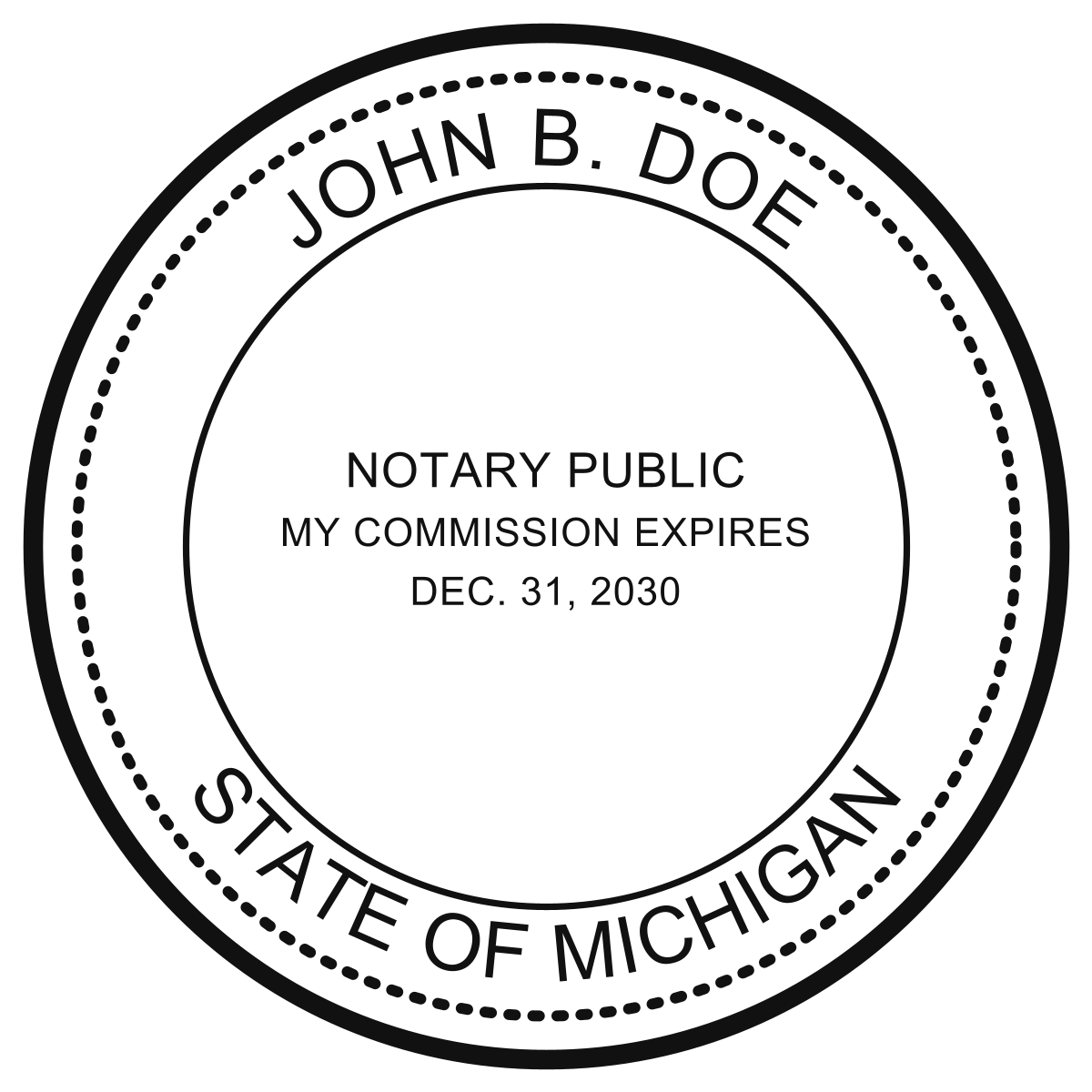
Official MI Electronic Notary Seal
Custom notary stamp
- Customize text.
- Clean PNG for digital documents.
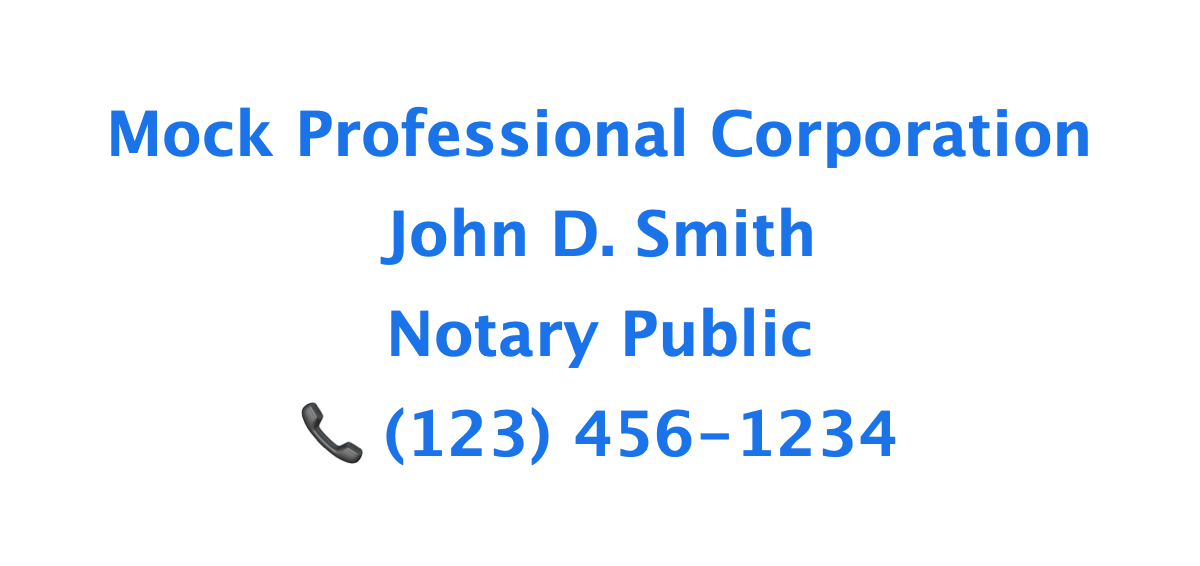
Digital Notary Stamp Example
In-workflow usage
- Apply stamps inside signing sessions.
- Saved with the signing room.
- No external tools or uploads.
The complete package
- Digital certificate (identity + security)
- Seal image (official authority)
- Stamp image (execution)
- In-workflow application (usage)
Get started
Go directly to Digital Setup to issue your certificate, seal, and stamp in one workflow.
Or navigate manually:
- Log in to the app at app.notarycentral.org.
- Go to Menu → Get New Notary Seal or Menu → Get New Notary Stamp. You may also use Menu → Get New Digital Certificate.
Get your digital certificate, seal, and stamp—issued and ready today.
Information to provide to the SOS
- Vendor Name: NotaryCentral
- Certificate URL: https://www.notarycentral.org/
- Certificate Issuer Name: NotaryCentral
- Address: 1272 SW Evergreen Ln, Palm City, FL 34990
- Email: alex@notarycentral.org